Make certificates, badges and cards from Excel, CSV or Google Forms
Pick a design, drop in your spreadsheet — or a CSV exported from Google Forms — and download every personalised copy as a PDF or ZIP.
Hundreds at a time, no subscription, and your file never leaves your device.
The real editor adds photos, custom fonts and your own signature. Nothing is uploaded.
What you can make
Make one design, print hundreds.
Design a template once, then hand it a spreadsheet and let it do the repetitive part. No monthly subscription, and
no per-seat billing.
Certificates & Diplomas
Convert Excel or CSV into print-ready PDF certificates. Put your logo behind it, add each name, date and ID,
then download one file per person or a single ZIP of the whole batch.
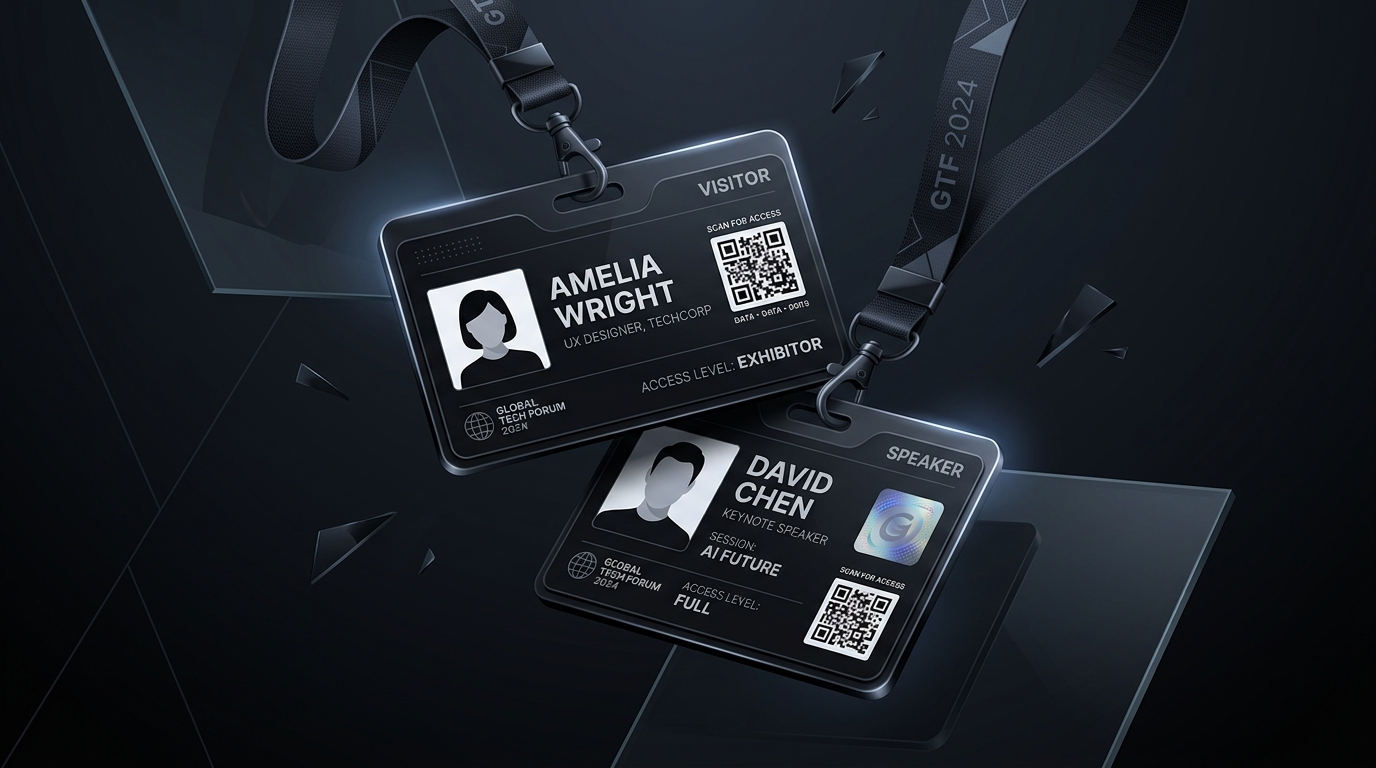
Event Badges & ID Cards
A bulk event badge maker that auto match photos to names from the filename. Drop in a folder of headshots,
and print mass ID cards as multi-up sheets with crop marks for trimming.
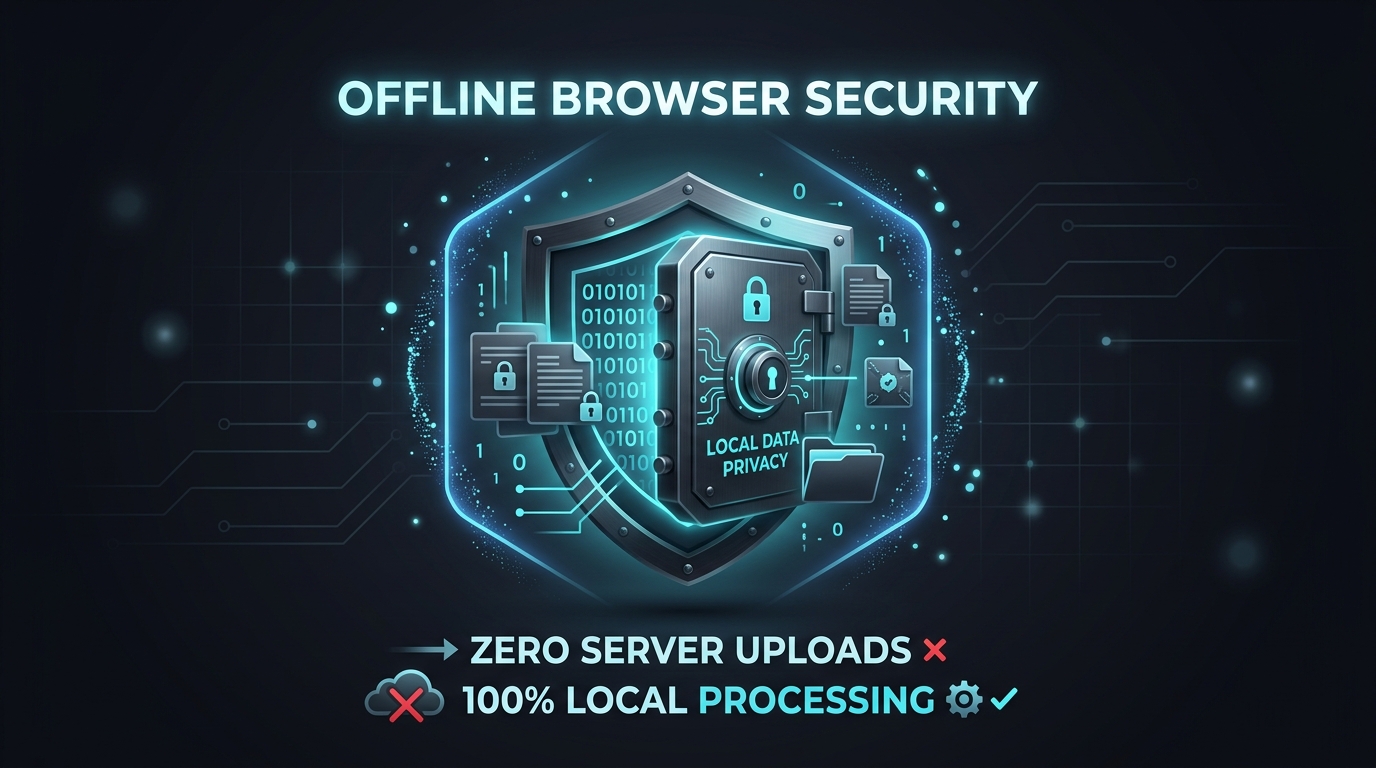
Nothing Leaves Your Device
Your spreadsheet, your attendees' photos and the finished files all stay on your own computer. No login, no
upload, and nothing for anyone to hold against you.
Also
in the box
Every file format you are likely to have
It handles thousands of
rows without freezing the tab, and it never sends any of it anywhere.
5,000
rows at a time
Works with Excel, CSV, JSON and pasted text
Import Microsoft Excel (.xlsx), a JSON attendee array, or just paste rows straight from Google Sheets. Spot
a typo? Fix it in the table before you export.
Fix the whole roster, not the spreadsheet
Find and replace across every row, clean up a column's case and dates, merge or split columns, and
re-import a corrected sheet without duplicating your table. Then mark rows approved and export only
those.
One PDF per person, in a single ZIP
Mail merge certificates to PDF zip files named {name}_{id}.pdf, ready to drop into your mailing tool. Or
print them tiled several to a sheet.
Flashcards & custom decks too
A custom flashcard deck maker and playing card generator. Type a list of terms, get printable study cards
with the answer on the back, exported as PDF.
Under the hood — for the engineers
Multi-Core Web Workers
Offload canvas rendering across 2–4 parallel worker threads with OffscreenCanvas and Transferable
ArrayBuffers for zero-copy 60fps throughput.
Adaptive Background Throttling
Switch tabs or minimize your browser freely. The engine dynamically scales microtask chunk sizes to bypass
OS timer clamping, keeping exports fast.
Why it is different
Why your file never leaves your computer.
Swipe the table sideways to see the comparison
Capability
BatchCanvas (Local Engine)
Traditional Cloud SaaS
Data Privacy & Compliance
✓ 100% Local (renders in your browser; files never leave your device)
✗ Uploaded to 3rd party databases
Account / Login Requirement
✓ Zero Login Required (Instant access, no account or sign-up needed)
How to make hundreds of certificates, badges and cards from a spreadsheet, what happens to your data, and which
file formats work.
Is registration or login required to use BatchCanvas?
No. BatchCanvas requires no login, no account creation, no registration, and no API keys. You can open the
site and immediately start generating certificates, badges, and ID cards in your browser.
How do I bulk generate certificates from Google Forms or CSV files?
To bulk generate certificates, launch BatchCanvas, select the Certificate preset or upload your graphic
background, import your CSV or XLSX file exported from Google Forms, match spreadsheet headers to your canvas
text layers, and click Bulk Export to download a print-ready multi-page PDF or individual single-page PDFs in
a ZIP archive.
Is my attendee and participant data uploaded to any cloud server?
No. Nothing is uploaded. All spreadsheet parsing, graphic rendering, QR code creation, and PDF compilation
happen on your own device, so personal details such as attendee names, dates and photos never leave your
computer or reach a third-party API. That supports your GDPR, FERPA and HIPAA obligations, though the
responsibility for meeting them stays with your organisation. The only network requests this website makes are
cookieless anonymous counts of page views and of completed exports, where an export count carries just the
output format and the number of records. No names, record values, filenames, photos, or templates are ever
transmitted, and you can switch counting off entirely in Settings.
Can I attach attendee photos in bulk to event badges and ID cards?
Yes. BatchCanvas features a Batch Headshot Auto-Matcher. Simply drop a local folder containing attendee image
files into the Data tab. The engine automatically pairs each photo to its corresponding spreadsheet record by
matching filenames against attendee names, emails, or unique serial IDs.
What print export formats are supported?
BatchCanvas exports print-ready single-page vector PDFs (A4 and US Letter), tiled sheets that print 6 or 8
badges per page with alignment crop marks, individual single-page PDFs bundled in a ZIP archive
({name}_{id}.pdf), and sharp 300 DPI PNG or JPG image packages.
Does BatchCanvas work offline without internet connection?
Yes. Once the page has loaded, BatchCanvas needs no internet connection at all. Designing, generating,
exporting and saving your work all keep working offline, so event teams can produce badges on venue floors or
during travel.
Are you a government portal? Can I get a birth or caste certificate here?
No. BatchCanvas is a design tool, not a government service, and it issues nothing. Birth, caste, income,
death, domicile, EWS, and bonafide certificates are issued only by your state e-district portal or the
relevant department. If you are the one issuing certificates, badges, or ID cards in bulk, you are in the
right place.
Is BatchCanvas related to Canvas LMS or Canva?
No. BatchCanvas is an independent, free, browser-only bulk document generator. It is not a learning management
system, there is no login or school portal here, and it is not affiliated with Instructure Canvas or Canva.
Nothing on this site asks you to sign in.
Is there a free bulk certificate maker I can use without paying anything?
Yes. This one is a free bulk certificate maker with no subscription required, and every feature described on
this page is available at no cost. There is no per-batch charge, no per-seat charge, and no trial that
expires. The optional Pro key only unlocks a licence for the desktop build, and you never need it to design,
export or print anything here.
Can I convert an Excel spreadsheet to PDF certificates in bulk?
Yes. That is the main thing it does. Upload an .xlsx file or a CSV, match each column header to a field on
your design, and BatchCanvas bulk generates PDFs from CSV or Excel data, one per row. A CSV downloaded from a
Google Sheets or Google Forms response sheet works the same way, and the question-text column headers are
recognised automatically. Export a single multi-page PDF for printing, or a ZIP of individual files named after
each person, and use the built-in crop marks if you are printing several certificates to a sheet.
Is this a free Canva alternative for bulk creation?
It is a different shape of tool, and worth being straight about that. Canva is a general design suite for
one-off graphics; BatchCanvas is built for the narrow job of putting many records into one template. If you
need a logo, a poster or a social post, use Canva. If you have 300 certificates, 200 badges or a deck of 60
study cards to produce from a spreadsheet, a free Canva alternative for bulk creation like this one will do it
in one pass, and Canva will ask you to do it one design at a time.
Ready to generate your next batch?
No signup, no API keys, and no installation required. Open the studio right in your browser and start creating.