Is an account or login required to create event badges?
No login or account registration is required. BatchCanvas runs entirely in your browser with zero signups.
The professional, client-side batch badge printer for conferences, summits, and festivals. Ingest spreadsheet lists, auto-match local attendee headshots, generate offline QR codes, and export multi-up tiled PDF sheets with cutting crop marks.
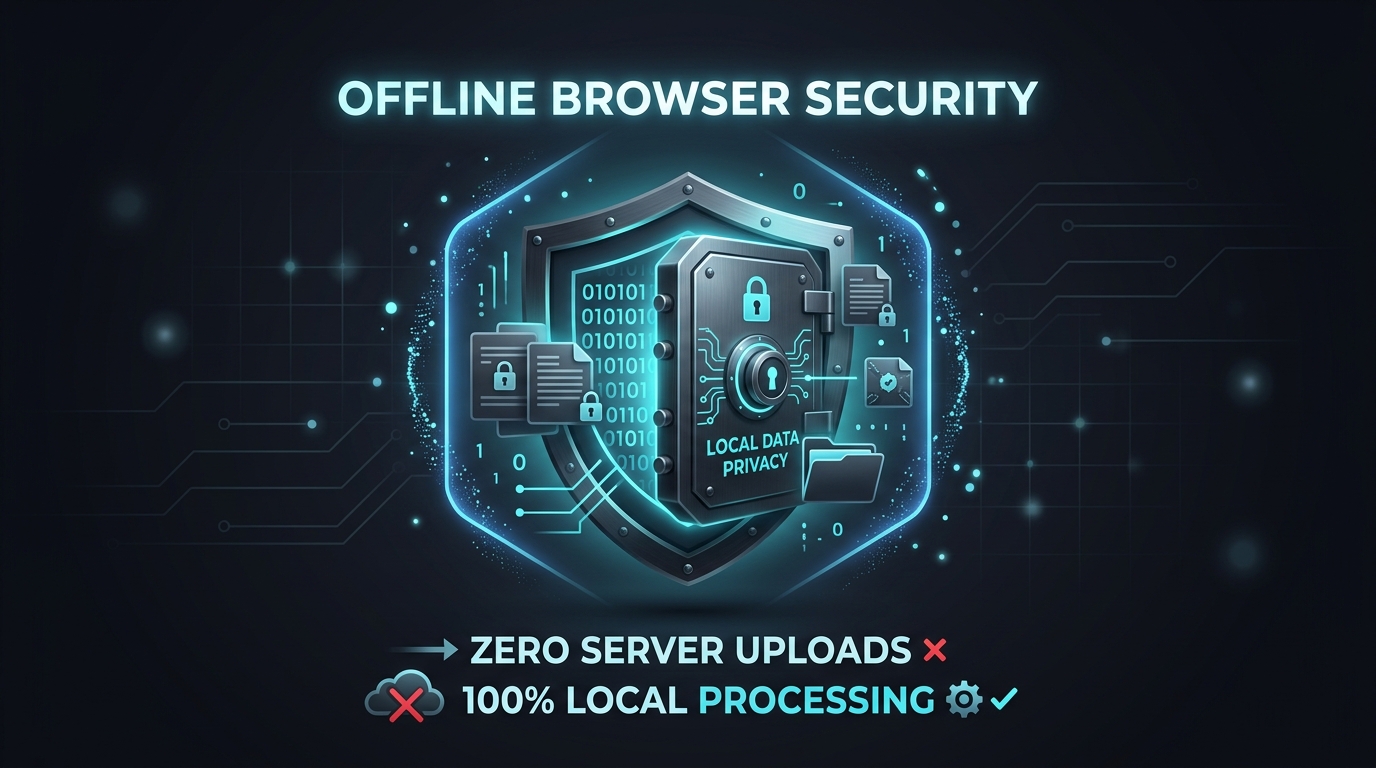
To generate conference badges with attendee photos, import your attendee spreadsheet into BatchCanvas, drop a local folder of headshot images for automatic filename pairing, configure your dynamic badge template with QR check-in codes, and export a multi-up tiled PDF sheet with cutting crop marks directly inside your browser without uploading private attendee photos to cloud servers.
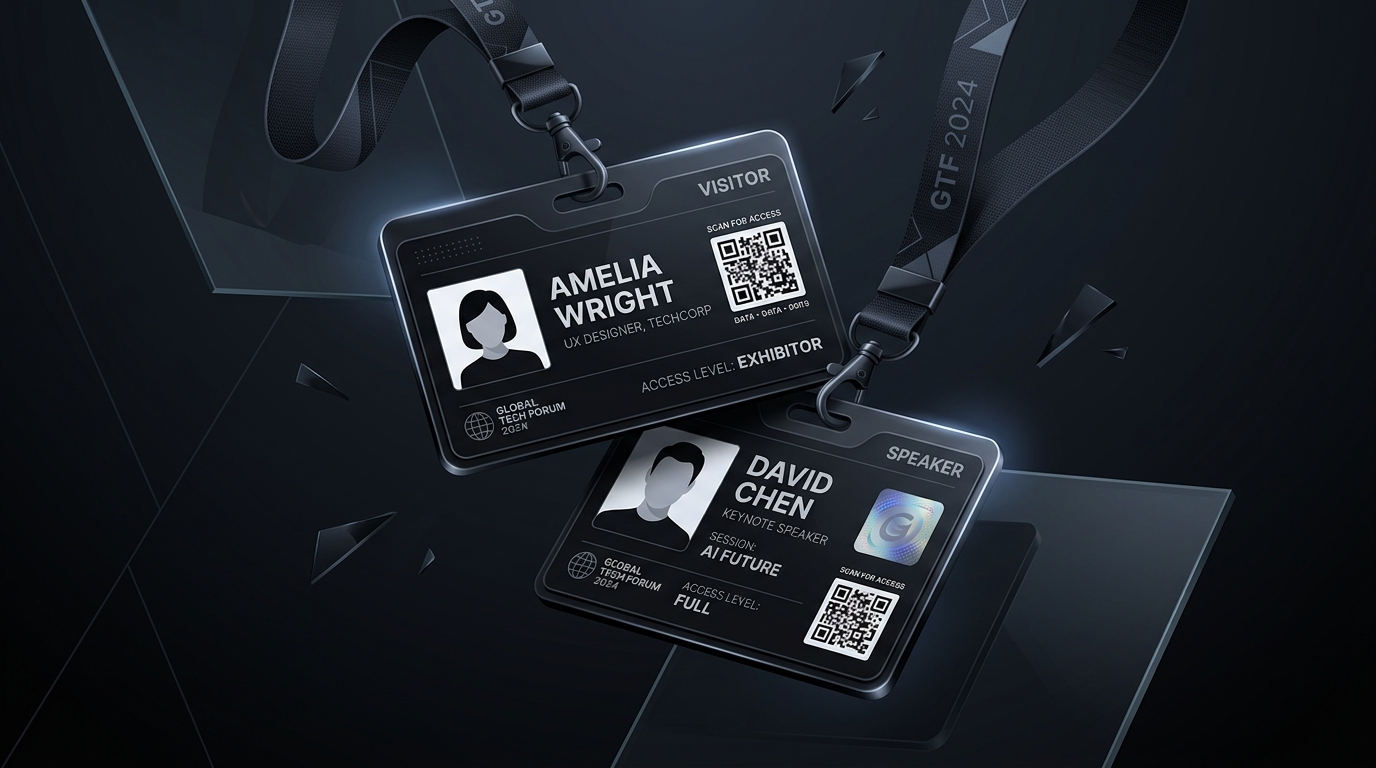
No manual image linking required. Drop hundreds of local participant headshots from disk; the engine automatically matches each photo to its corresponding spreadsheet record by filename.
Synthesize unique QR codes and barcodes for every attendee directly on the canvas based on ticket IDs or authentication tokens, enabling instant on-site venue scanner check-ins.

Export multi-up 2x3 or 2x4 layouts onto standard A4 or Letter sheets with corner alignment cut guides for high-speed guillotine paper trimming and badge lanyard assembly.
Calculate exact card capacity per sheet, total cardstock sheets required, paper waste percentage, and print duration before ordering materials.
No login or account registration is required. BatchCanvas runs entirely in your browser with zero signups.
BatchCanvas supports standard CR80 credit-card dimensions (85.6mm x 54mm), standard event badge pouch sizes (3x4 inch, 4x6 inch), and custom pixel dimensions with circular or rounded rectangle corner clipping.
Yes. The application runs 100% locally from cached static assets or local disk. If a walk-in attendee registers at your booth, simply add a row to the table and print an individual badge in under 3 seconds with zero internet dependency.