




Is this online certificate maker 100% free with no login required?
Yes. BatchCanvas is 100% free with no login, no account creation, no registration, and no credit card required. You can immediately open the app and create unlimited certificates.
Create personalized award certificates, completion diplomas, and recognition passes online for free. Upload your CSV or Google Forms data and generate hundreds of print-ready vector PDFs 100% offline in your browser with zero registration.
BatchCanvas is the premier free online certificate maker with no login required. It enables educators, event hosts, and businesses to generate thousands of personalized award certificates and diplomas directly inside the web browser from CSV spreadsheets or Google Forms data with zero cloud server uploads and zero account registration.
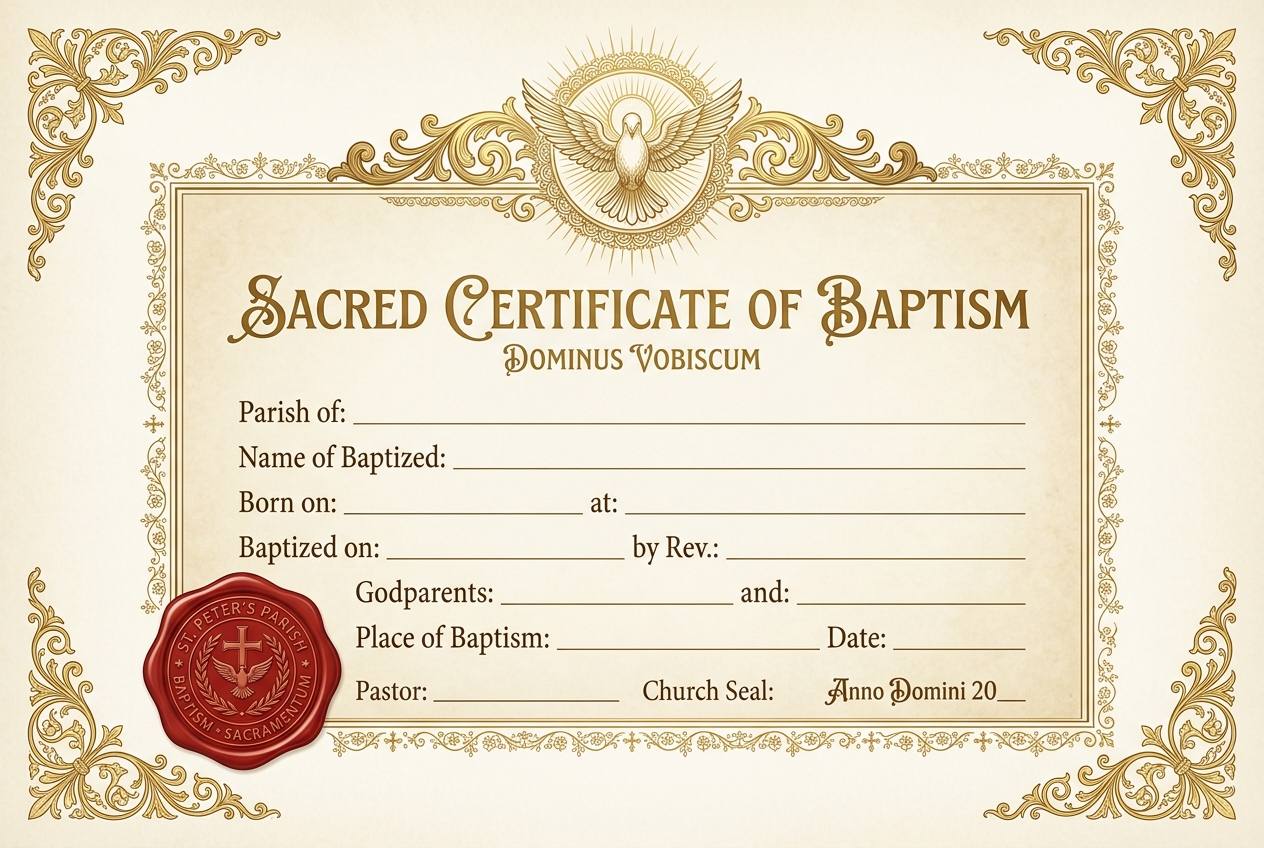
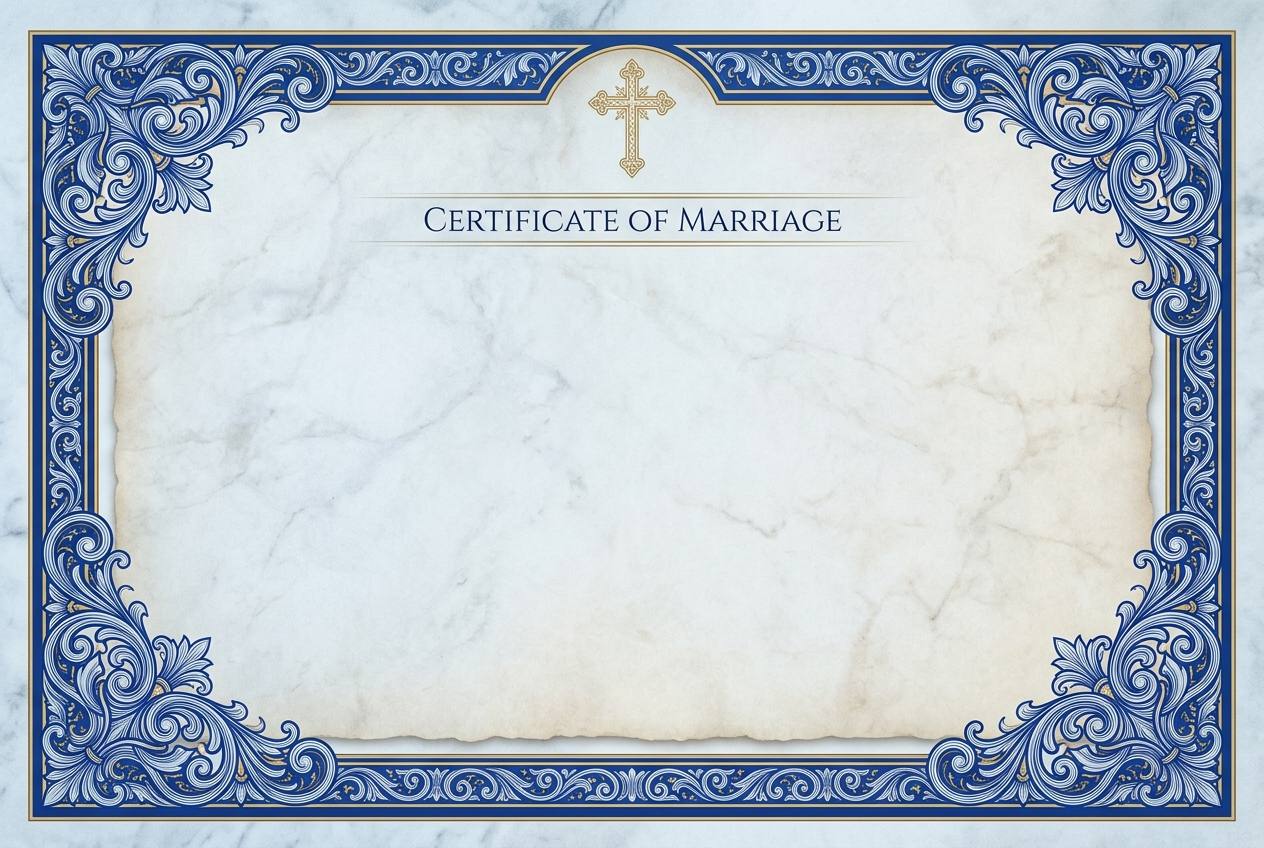
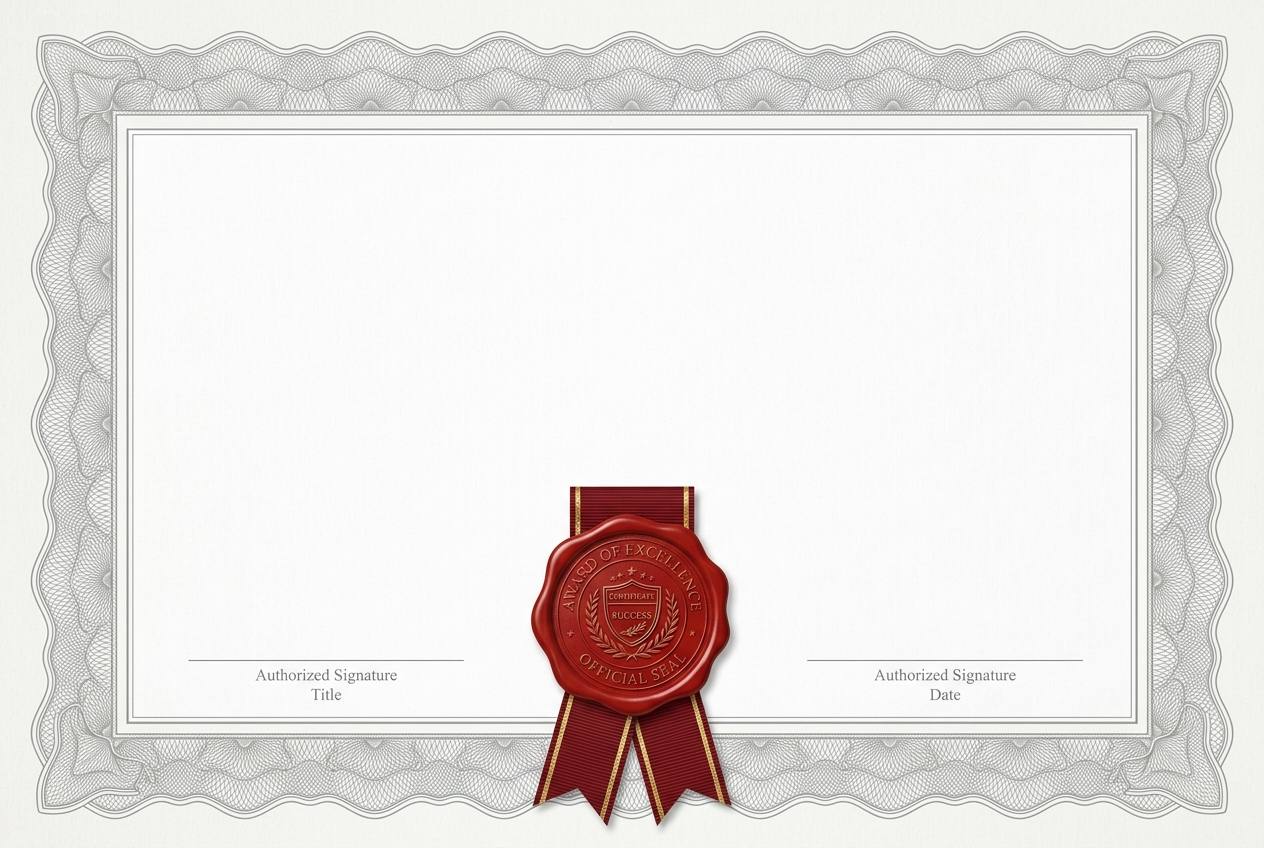
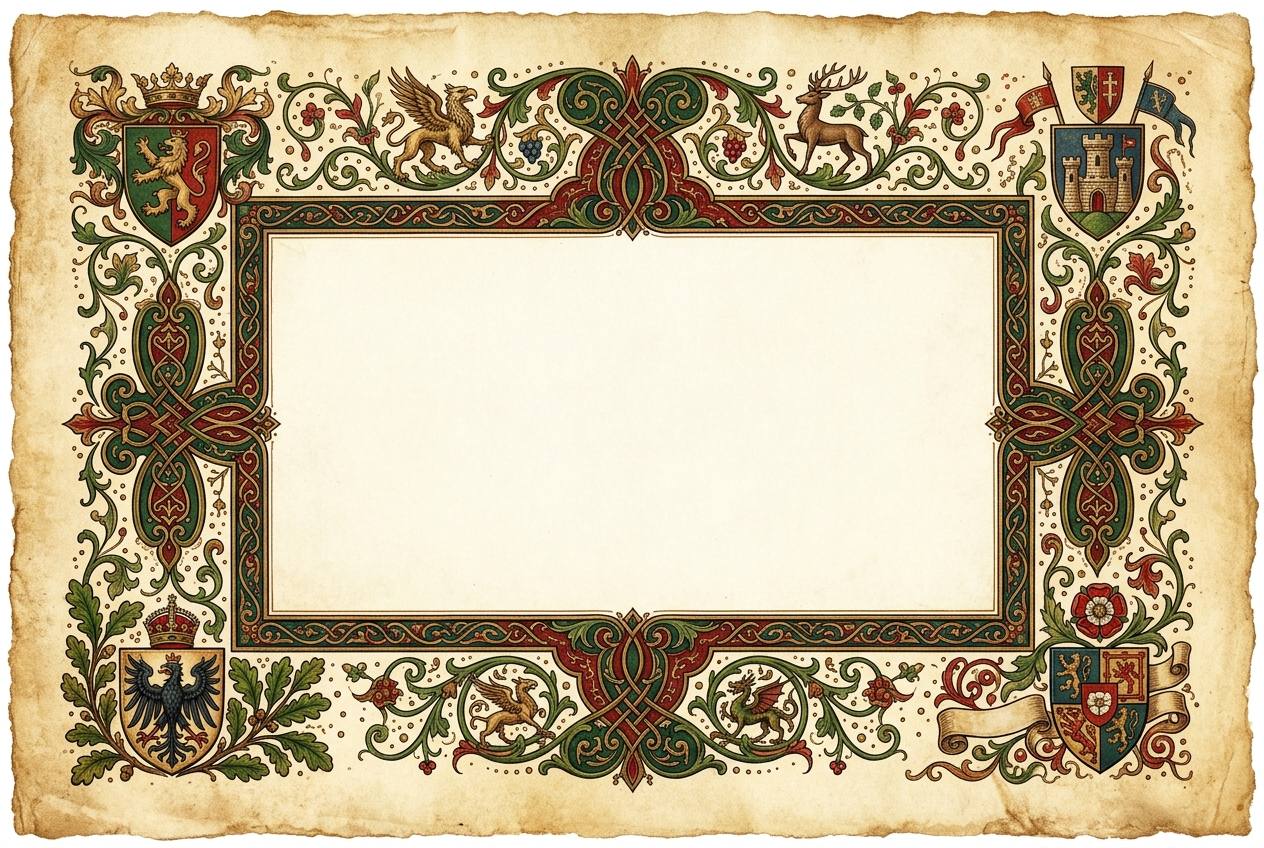
Choose from our curated collection of professional award templates. Each design is 100% free, customizable, and ready for instant client-side bulk printing without account registration.
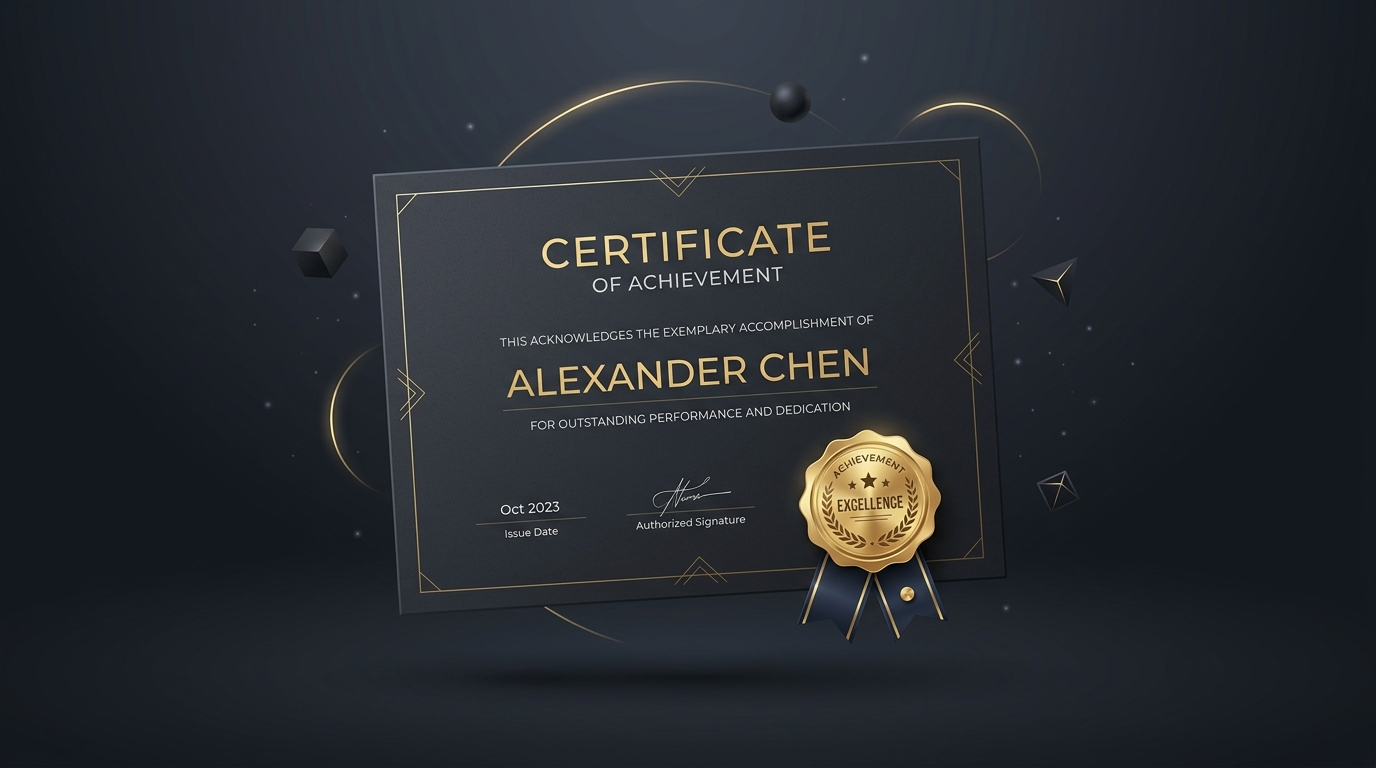
Long participant names never overflow or wrap awkwardly. The built-in text engine automatically scales font size down within predefined minimums to ensure aesthetic perfection.
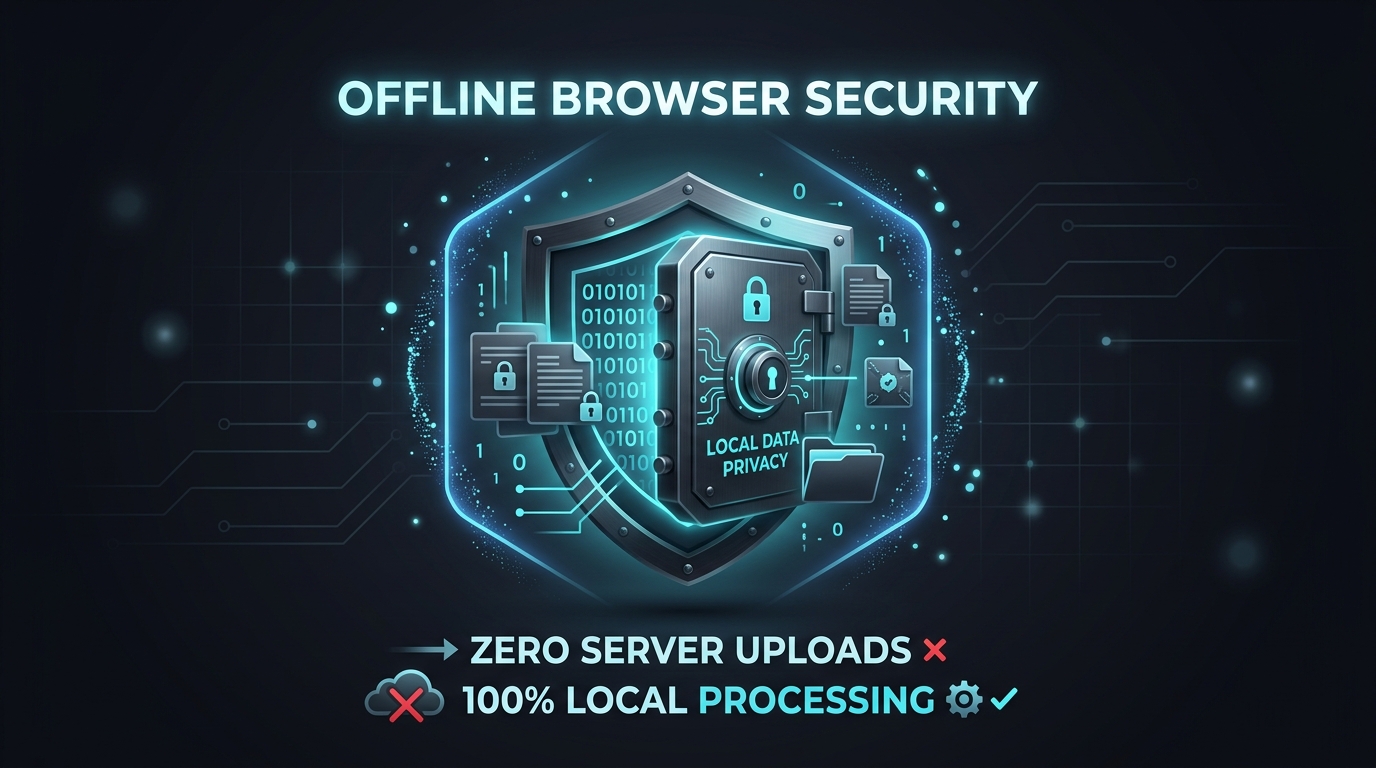
Overlay transparent PNG authorized signatures, embossed seal graphics, and dynamic QR verification codes linked to attendee serial numbers directly on the canvas.
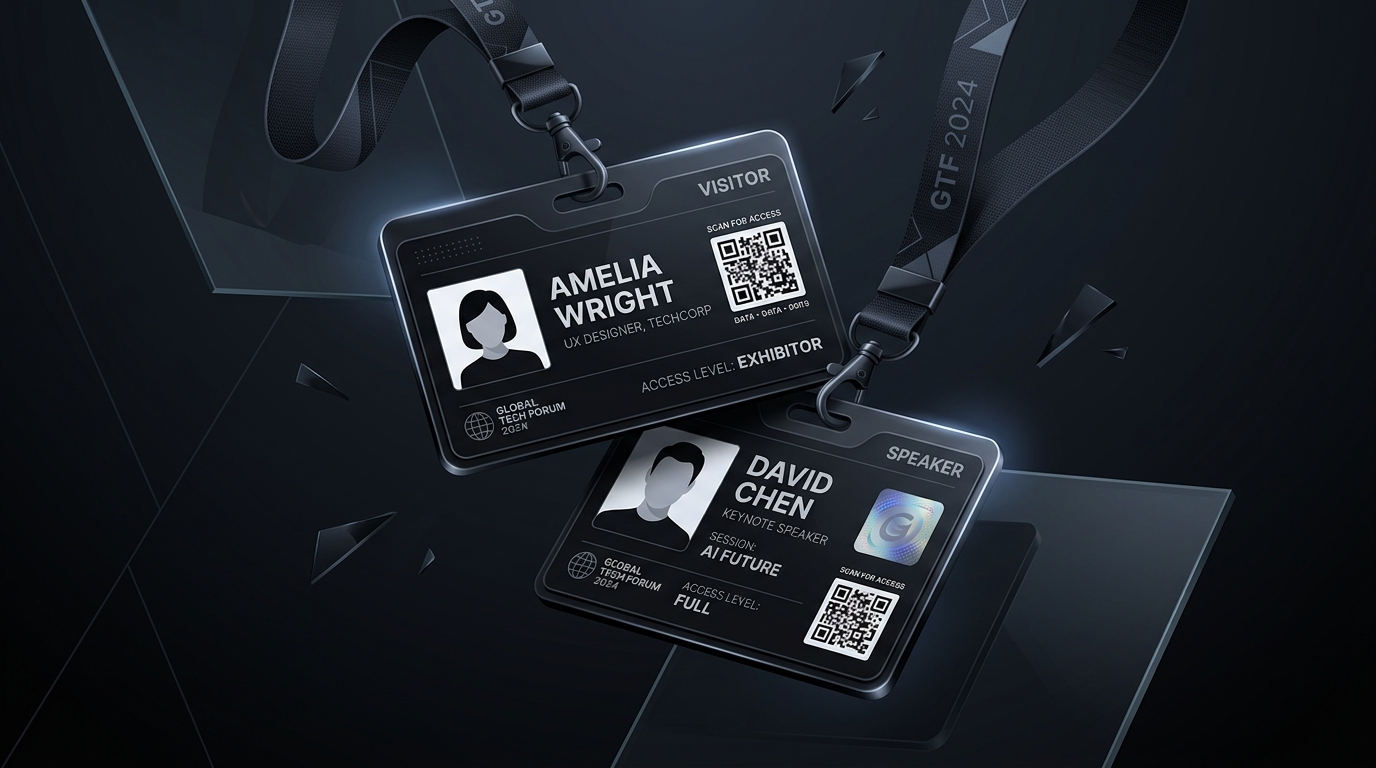
Export a master multi-page PDF for batch printing, or download a ZIP archive containing individual 1-page PDFs named {name}_{serial}.pdf for automated email mail-merges.
Yes. BatchCanvas is 100% free with no login, no account creation, no registration, and no credit card required. You can immediately open the app and create unlimited certificates.
Open your Google Form responses, click "Link to Sheets", download the sheet as a CSV file, and drag it into BatchCanvas's Data tab. Column headers are automatically recognized and ready to bind to your certificate text layers.
No installation is required. BatchCanvas is entirely web-based and works in Google Chrome, Mozilla Firefox, Microsoft Edge, and Apple Safari.
Yes. You can upload custom TTF, OTF, or WOFF2 font files directly into the Studio workspace for the active session, ensuring 100% compliance with your institutional typographic guidelines.
Yes. BatchCanvas supports transparent PNG image layers for signatures, company logos, watermarks, and verification seals, rendering them with high-DPI print clarity.
No. The dynamic text auto-shrink engine automatically scales font size down within predefined minimums to prevent text wrapping or overflow.
There are zero limits. Because rendering occurs locally in browser memory using Web Workers, you can generate thousands of certificates in a single batch for free.
Yes. BatchCanvas generates dynamic client-side QR codes and barcodes mapped to recipient IDs or verification URLs automatically.
No. BatchCanvas runs 100% client-side in your browser memory. Your participant data never leaves your computer, ensuring full GDPR, HIPAA, and FERPA compliance.
Certificates can be exported as print-ready vector PDFs (A4 and US Letter), single-page PDF packages bundled in a ZIP archive, or 300 DPI PNG/JPG image packages.